Easily Make Your Zendesk Help Center Dropdown Fields Searchable
Hello Zendesk Community!
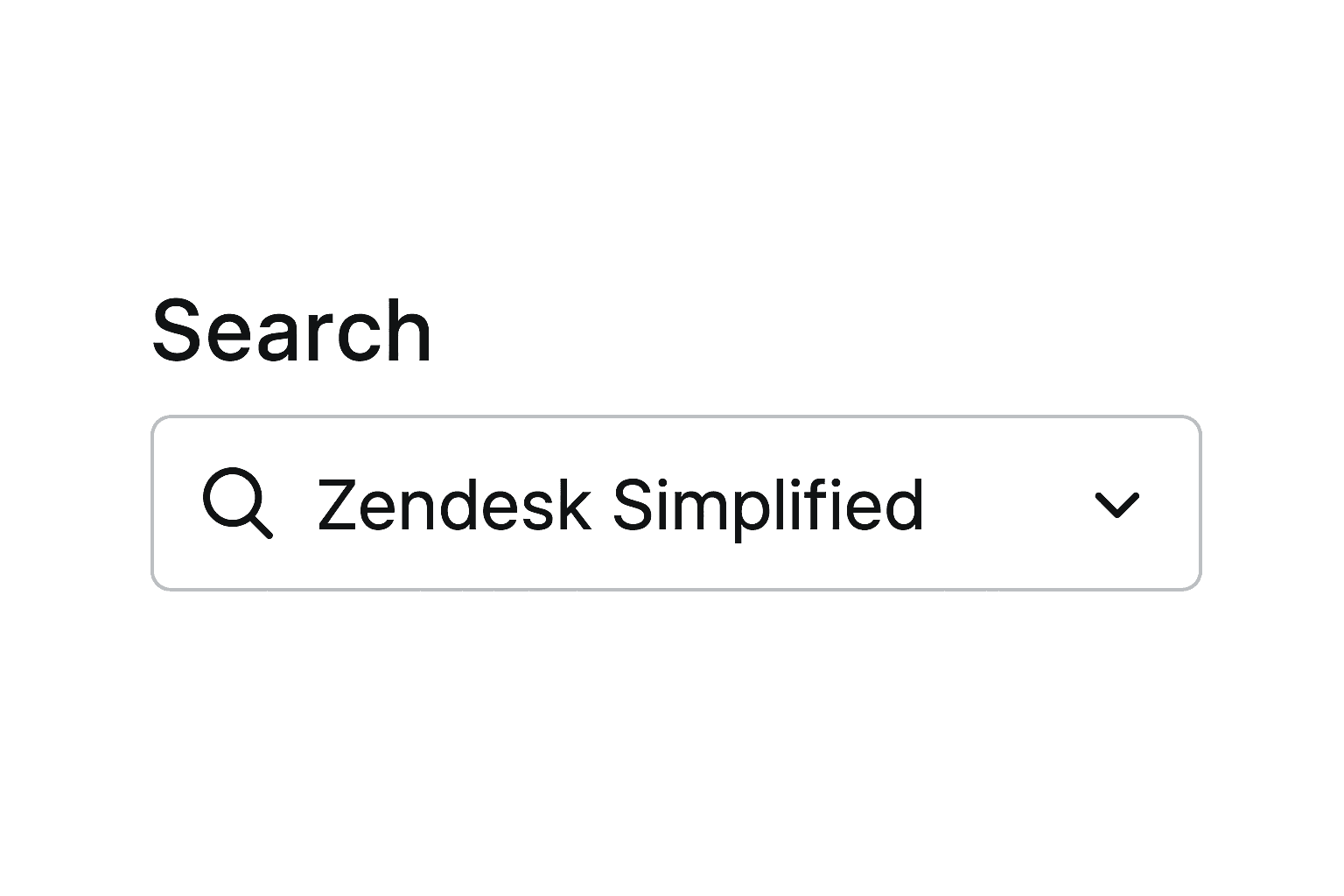
I'm excited to share a solution I've developed for a long-standing issue many of us have faced: making dropdown fields searchable in the Zendesk Help Center.
This lightweight, efficient utility provides a seamless searching experience for dropdowns and offers additional customization options and better UI.
Request Thread here:

Here's how you can add this to your help center
1. Add the CDN to your Help Center Open your document_head.hbs file and add the following line.
<script src="https://cdn.jsdelivr.net/npm/zenselect@0.1.5/dist/zenselect.min.js"></script>

2. Add the script to your new_request_page.hbs file:
<script>
    document.addEventListener('DOMContentLoaded', function() {
        zenSelect('4520048004116',{"placeholder":"Select or Type","emptyMessage":"No Results"});
        zenSelect('field_id');
        zenSelect('4514796809492',{"placeholder":"Choose who you are"});
    });
</script>
- Replace
'4520048004116','field_id', and'4520371651476'with your actual dropdown field IDs.

That's it! Your dropdown fields should now be searchable. ✌️
(In fact, Utility takes care of all complex manipulations)
Additional Customization:
This solution also allows for easy customization:
1. Custom Placeholder for dropdown
zenSelect('4520048004116', {"placeholder":"Select or Type"});
2. Custom No Results Message:
zenSelect('4520048004116', {"emptyMessage":"No Results"});
You can combine both options as shown in the initial script.
This solution replaces the old-style dropdown with a more user-friendly, searchable version. It's lightweight, efficient, and easy to add to your help center.
I hope this helps solve a problem many of us have been facing for years. If you find this useful, please consider supporting my work by buying me a coffee ☕ | https://www.buymeacoffee.com/phoenixer
Feel free to ask any questions or share your feedback in the comments below!
Note: Zendesk has already planned to implement this feature, though the rollout date is uncertain. In the meantime, delight your end-users with a seamless selection experience.
Nested dropdowns are not supported at this moment. However, based on feedback and demand, this feature will be included in a future version.